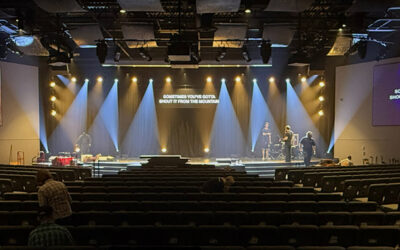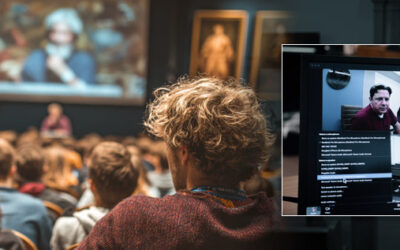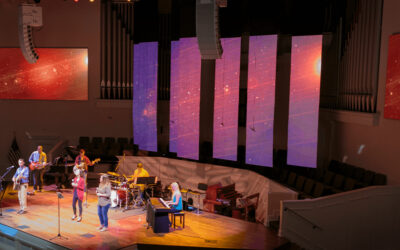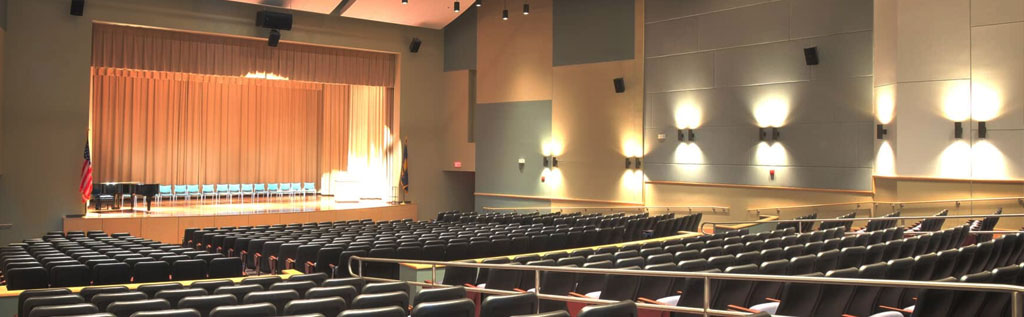
Poor audio during a keynote lecture. A failed video connection before a hybrid class. Frustrated faculty struggling with complex controls.
Sound familiar?
These AV nightmares happen daily in university auditoriums across the country—diminishing the learning experience for students who deserve better. With the right AV system, your auditorium becomes a technological showcase that elevates every event, from traditional lectures to cutting-edge hybrid conferences.
Step 1: Assess Your Auditorium’s Unique Needs
Before exploring equipment options, conduct a thorough needs assessment:
Space Characteristics:
- Size and capacity – Larger venues need line array speakers and high-lumen projectors (6,000+ lumens)
- Acoustic environment – Test for echo, reverberation, and ambient noise
- Current infrastructure – Document existing cabling, power, and network capacity
Event Types:
- Lectures requiring speech intelligibility
- Performances needing full-range audio
- Panel discussions with multiple microphones
- Hybrid events connecting remote and on-campus participants
User Proficiency: Will trained AV technicians run events, or do faculty need self-service capability? Systems that are too complex sit unused, while overly simple systems limit capabilities.
Step 2: Build Your Audio Foundation
Audio quality makes or breaks the auditorium experience. Attendees forgive visual imperfections, but poor sound drives people away.
Essential Components:
Speakers – Choose line arrays for large venues (300+ seats) or point-source speakers for smaller spaces with precise targeting
Microphones – Include wireless handheld, lavalier, and podium options for versatile coverage
Digital Signal Processing (DSP) – The brain of your system, providing:
- Automatic feedback suppression
- Acoustic echo cancellation for hybrid events
- Room EQ to compensate for acoustic challenges
- Preset recall for different event types
Position speakers to eliminate dead zones and ensure consistent sound levels across all seating.
Schedule a free needs assessment with S&L Integrated →
Step 3: Select Engaging Video Systems
Compelling visuals keep audiences engaged and remote participants connected.
Display Options:
Laser Projectors:
- Cost-effective for large images (12+ feet wide)
- 20,000+ hour lifespan with minimal maintenance
- Best for traditional presentations
LED Video Walls:
- Stunning brightness in fully lit rooms
- Seamless, bezel-free displays
- Ideal for dynamic content and high-impact presentations
Hybrid Event Cameras: Modern learning demands professional video:
- PTZ cameras with 20x+ optical zoom
- Auto-tracking that follows presenters
- 4K resolution for clarity
Connectivity: Support diverse input sources including HDMI, USB-C, wireless presentation systems, and video conferencing platforms like Zoom Rooms and Microsoft Teams.
Step 4: Implement Intuitive Control Systems
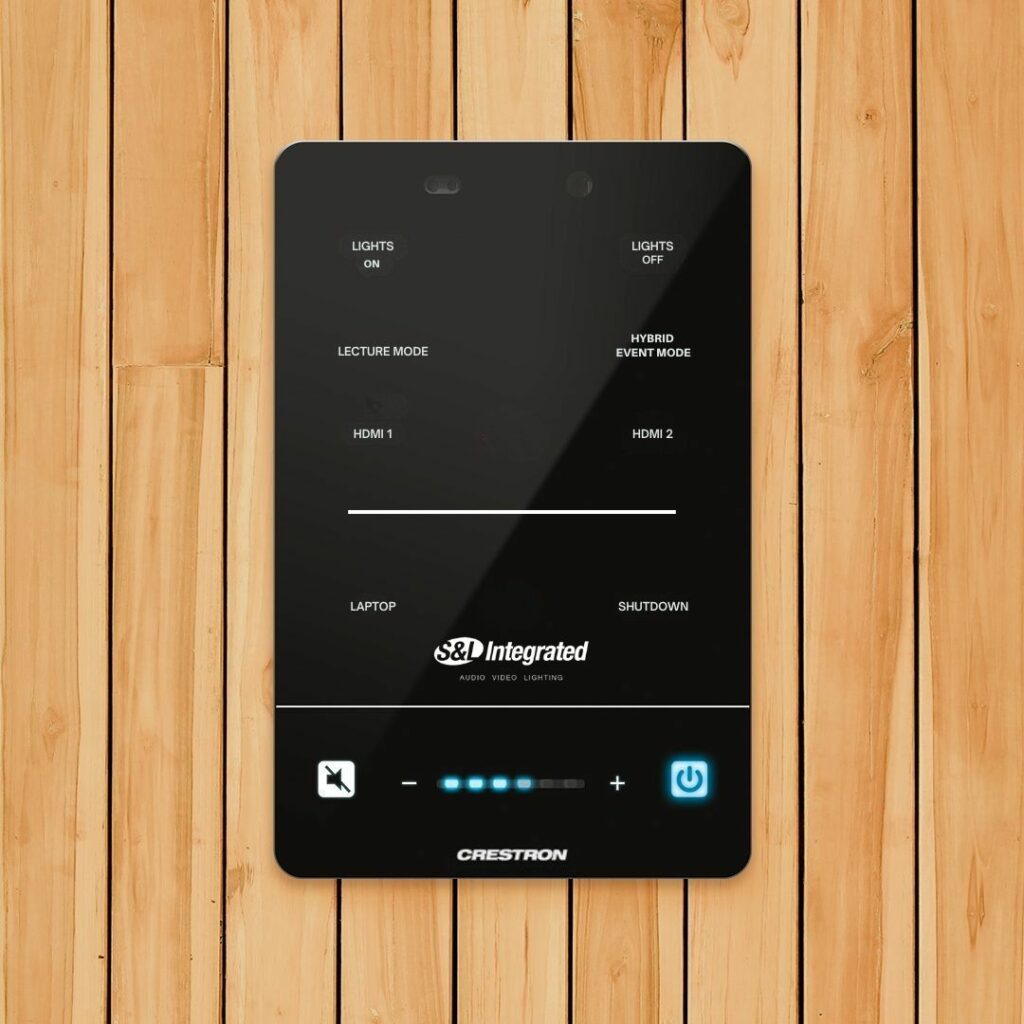
The most powerful AV system fails if operators can’t use it. Centralized touch panels should consolidate:
- Source selection
- Volume adjustments
- Display control
- Lighting coordination
- Videoconferencing functions
One-Touch Presets Simplify Operation:
- “Lecture Mode” – Podium mic active, projector on, house lights at 50%
- “Hybrid Event Mode” – Cameras on, streaming active, remote participants visible
- “Shutdown” – All systems off, security enabled
Even faculty without technical expertise can operate the system confidently.
Remote Management: Modern systems enable IT teams to monitor health, push updates, and troubleshoot remotely—minimizing downtime and maximizing reliability.
Step 5: Design for Accessibility and Inclusivity
Every student deserves equal access. ADA-compliant features are essential:
Assistive Listening:
- FM or infrared systems with personal receivers
- Provide receivers for 4% of seating capacity
Real-Time Captioning: Display spoken content as text through AI captioning services integrated with main screens or confidence monitors.
Visual Accommodations:
- High-contrast, large-format displays
- Adequate lighting without screen glare
- Clear sightlines from all seats
Universal design creates welcoming spaces for everyone.
Step 6: Future-Proof Your Investment
Technology evolves rapidly. Build systems that adapt without complete replacement.
Scalability:
- Modular design allowing component additions
- IP-based architecture supporting expansion
- Extra processing capacity for growth
Flexible Standards:
- HDMI 2.1 for 4K/8K compatibility
- USB-C with power delivery
- Dante audio networking
- AV Over IP
Software-Defined AV: Network-based systems receive feature upgrades and security patches without hardware replacement, supporting new platforms as they emerge.
Step 7: Optimize Acoustics and Sightlines
Even premium equipment underperforms in poorly designed spaces.
Acoustic Treatment:
- Target 1.0-1.5 second reverberation time for speech clarity
- Install acoustic panels on walls and ceiling clouds
- Seal gaps and upgrade HVAC to quiet models
Sightline Verification:
- Model views using CAD software before installation
- Ensure screen bottom edge is 4-6 feet above floor
- Verify speakers don’t obstruct visibility
- Test from worst-case seats
Integrated Lighting: Use dimmable LED house lights with preset scenes matching AV modes—eliminating glare while maintaining visibility.
Step 8: Partner with Expert AV Integrators
Your technology is only as good as the team behind it. Look for partners with:
- Extensive university auditorium portfolios
- Comprehensive services from design through ongoing support
- Manufacturer certifications and relationships
- Proven track record at similar institutions
The S&L Integrated Difference: With over two decades serving educational institutions, we bring unmatched expertise to university AV projects. Our education specialists deliver turnkey solutions from initial assessment through post-installation support.
Schedule your free consultation →
Step 9: Ensure Successful Implementation
Professional Installation includes:
- Comprehensive system testing and commissioning
- Acoustic tuning using measurement software
- Control system programming for your workflows
- As-built documentation
Training Programs: Provide hands-on sessions for operators, covering system operation, common troubleshooting, and when to call for support. Record video tutorials accessible via QR codes for ongoing reference.
Ongoing Support: Maintenance agreements protect your investment with preventive care, software updates, and priority technical support when issues arise.
Frequently Asked Questions
How long should a university auditorium AV system last? With proper maintenance, expect 10-15 years for core infrastructure. User-facing components like projectors and displays typically refresh every 5-7 years.
Can we upgrade our existing system? Many systems support partial upgrades. A professional assessment determines whether your infrastructure accommodates modern components or requires comprehensive replacement.
What should we prioritize if budget is limited? Invest first in audio quality—nothing frustrates audiences more than poor sound. Basic video and control systems can be enhanced later.
How do we accommodate both in-person and remote audiences? Hybrid capability requires professional cameras, confidence monitors, quality microphones, and robust internet connectivity (minimum 25 Mbps upload).
Transform Your Auditorium Today
Your auditorium is where ideas are shared, discoveries announced, and communities gather. The right AV system amplifies your institution’s mission, creating experiences that inspire and engage.
Whether planning new construction or a strategic upgrade, S&L Integrated delivers tailored solutions exceeding expectations. Our education specialists design systems serving your campus for decades.
Ready to create an auditorium that’s the pride of your campus?
Contact S&L Integrated – Schedule Your Free Assessment →
About S&L Integrated
For over 20 years, S&L Integrated has designed cutting-edge AV systems for universities within the southeast United States. From consultation through ongoing support, we’re your partner in creating exceptional educational environments.