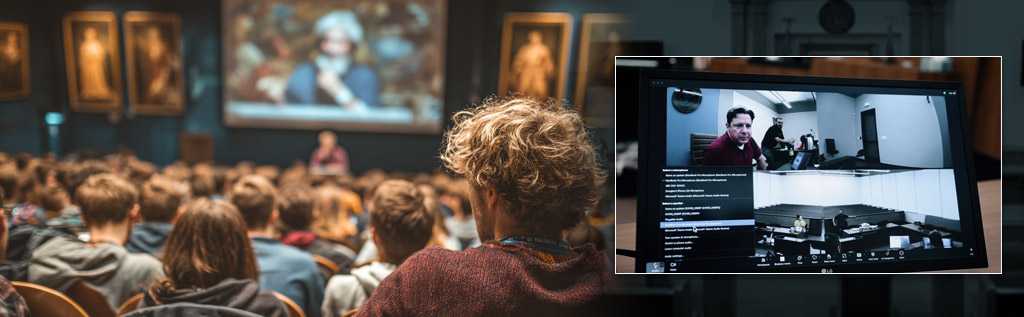
Courtrooms are what put S&L Integrated on the map in the Southeast. Over the past several years we’ve installed hundreds of courtroom AV systems, and at this point we know that environment better than most. We know what it takes to get clear audio to the back row of a large courtroom, what it means to have display systems with no dead zones, and how critical it is that the whole thing just works without anyone having to troubleshoot it mid-proceeding.
What we didn’t expect was how naturally that expertise transferred to university lecture halls and auditoriums. The problems are nearly identical. The stakes feel different, but the technology requirements aren’t. Most campuses are dealing with AV systems that were never designed for what they’re being asked to do, and we kept seeing that gap widen.
What Courtrooms and Classrooms Actually Have in Common
A packed lecture hall and a federal courtroom aren’t as different as they might seem. Both require every person in the room to hear and see clearly, regardless of where they’re sitting. Both involve presenters pulling from multiple content sources on the fly. Both need recording and streaming that can’t afford to fail. The main difference is that courtrooms have been held to a higher standard for much longer, which is why the technology built for them is so much better than what typically ends up in a university auditorium.
The technology is the same. The only difference is where it gets installed.
Evidence Presentation, Meet Dynamic Lectures
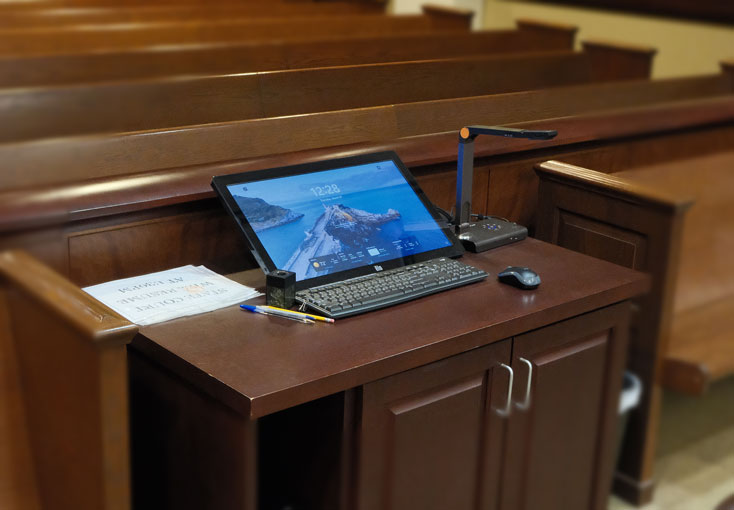
Attorneys rely on document cameras, annotation displays, and multi-source video switching to get exhibits in front of every person in the room, clearly and immediately. Faculty need the exact same thing. A professor presenting 3D models, lab specimens, or annotated case briefs needs that content visible to the student in the front row and the one in the back corner equally well.
Law schools especially have a lot to gain here. Moot court simulations, evidence mockups, and case study presentations require the kind of precise, multi-source content control that courtroom AV was built around. When the system works the way it should, students stay with the material. When it doesn’t, they’re somewhere else mentally.
Judicial-Grade Audio for Lecture Halls
The number one complaint we hear from university faculty is that students in the back can’t hear. It sounds like a simple problem, but underpowered speaker systems, poor room acoustics, and microphones not designed for dynamic spaces make it persistent.
Courtrooms addressed this a long time ago. DSP audio platforms like Q-SYS deliver even coverage across large rooms, handle auto-mixing across multiple microphones, and reject the kind of ambient noise that turns a lecture into a guessing game. When a judge speaks, every word lands. The same holds true when a professor does, or when a student in the third row asks a question that the rest of the room needs to hear. That’s the difference between students retaining information and students zoning out because they missed every third sentence.
One Panel to Run the Room
Faculty shouldn’t need IT support to start a class. In a lot of university buildings, though, that’s effectively what’s required. Mismatched systems, different remotes, unclear interfaces, and no consistent setup from room to room mean wasted time at the start of every session and a help desk inbox that never empties.
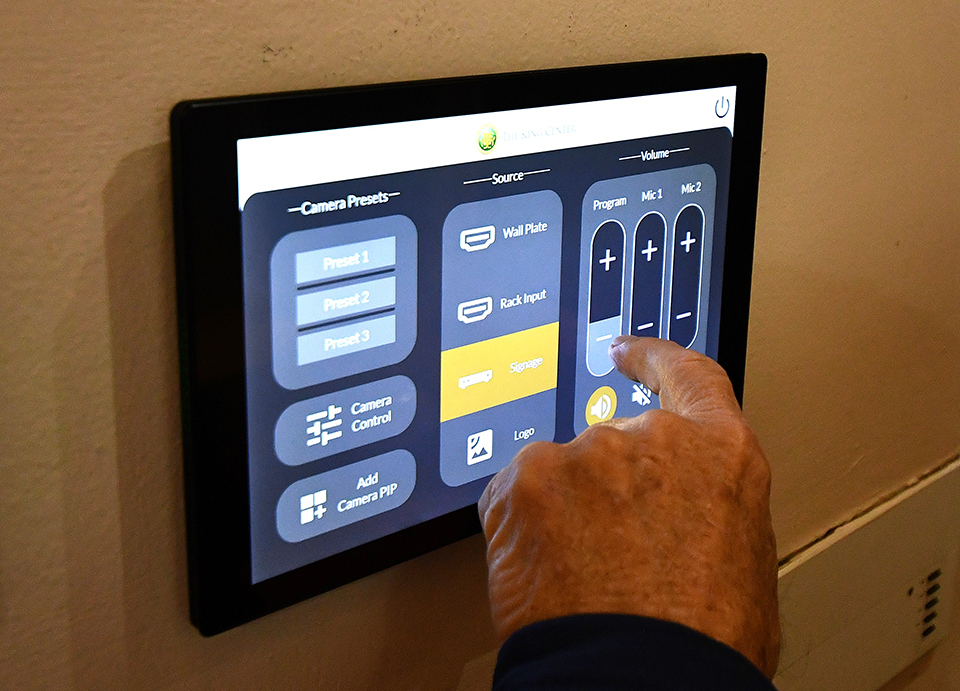
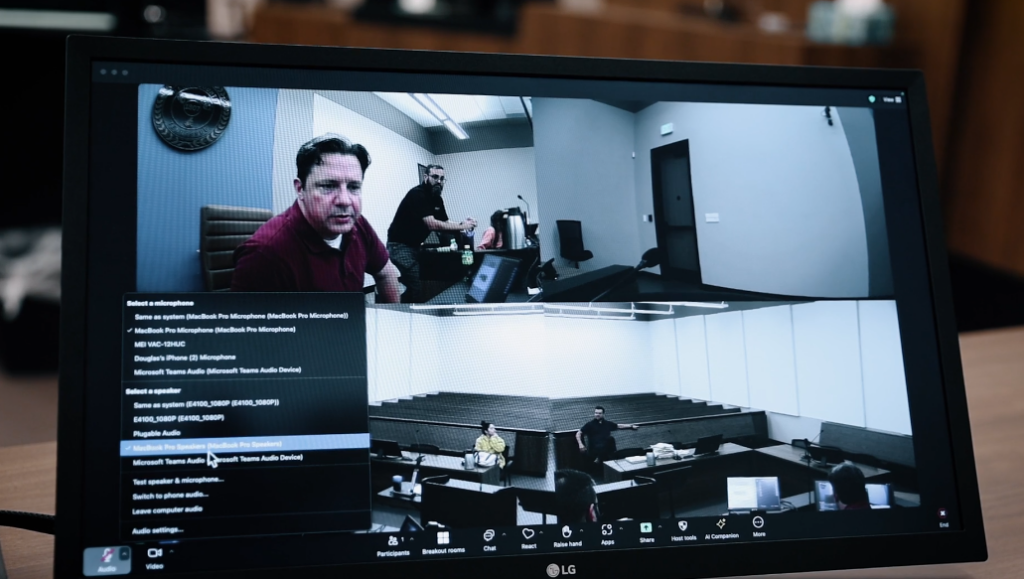
Courtrooms run on a single touch panel. One interface controls sources, displays, audio, lighting, and room presets. Crestron automation brings that same model to the classroom. A professor walks in, taps the screen, connects their laptop, and the room is ready. If they’re teaching hybrid, Zoom is a tap away. No troubleshooting, no hunting for adapters, no waiting.
When that interface is standardized across campus, faculty learn it once and it works everywhere. That consistency matters more than most administrators realize until they’ve seen it in practice.
Recording and Streaming That Holds Up
Court proceedings get recorded because the stakes require it. Multichannel capture, remote access, secure archiving, and reliable streaming aren’t optional features in that environment; they’re baseline requirements.
Universities increasingly need the same. Lecture capture for students who need to review material, secure streaming for remote guests or alumni, archived seminars for law clinics, flipped classroom setups where recordings drive the instruction. All of that requires infrastructure that was built to be dependable, not infrastructure where dependability is a best-case scenario. A system designed to hold up in a courtroom holds up for a 400-person lecture without breaking a sweat.
Scaling Across a Campus Without Reinventing the Wheel
AV-over-IP platforms like those from Crestron and Q-SYS make it possible to tie hundreds of rooms together under unified control. Lecture halls, labs, seminar rooms, moot courts, and collaboration spaces can all operate on the same infrastructure and be monitored from a central point.
That matters for a few reasons. IT teams can identify and address issues remotely instead of running across campus. Faculty get a consistent experience in every room they teach in. And when a university makes a smart investment in one flagship space, that design becomes the template for every room that follows rather than a one-off solution that doesn’t scale.
Let’s Talk About Your Campus
S&L Integrated has spent years doing this work in courthouses across the Southeast. We know what this technology is capable of, and we’ve seen what it does when it’s applied to a university environment. Faculty gain confidence in their rooms. Students get more out of their classes. IT departments stop fielding the same complaints on repeat.
If your campus is dealing with AV that isn’t keeping up, we offer campus audits to take stock of what you have and figure out where the right upgrades make the most impact. Get in touch with S&L Integrated and let’s have that conversation.